 yourWBS
yourWBS vs Miro for making a WBS
Miro is a general-purpose whiteboard. yourWBS does one thing: build and document a WBS. Here is an honest look at when each one fits.
The short answer
If you need a whiteboard for brainstorming, workshops or many kinds of diagrams, use Miro. If you only need a WBS, and want the numbering, the layout and the documentation handled for you, yourWBS is faster and simpler. The same applies to other generic diagramming tools such as draw.io.
Side by side
| yourWBS | Miro (generic whiteboard) | |
|---|---|---|
| Purpose | Only WBS | Any kind of diagram or board |
| WBS numbering (1, 1.1, 1.1.1) | Automatic | Typed by hand |
| Hierarchy and layout | Built from the structure | Placed and connected by hand |
| WBS dictionary | One linked sheet per element, exportable | Separate document |
| Progress (% complete) | Per element | Not built in |
| Export of the hierarchy | PDF of the diagram and the hierarchy | Image, PDF or other board exports |
| Real-time collaboration | Not yet | Yes |
| Sign-up | Not required | Account required |
Where yourWBS is better
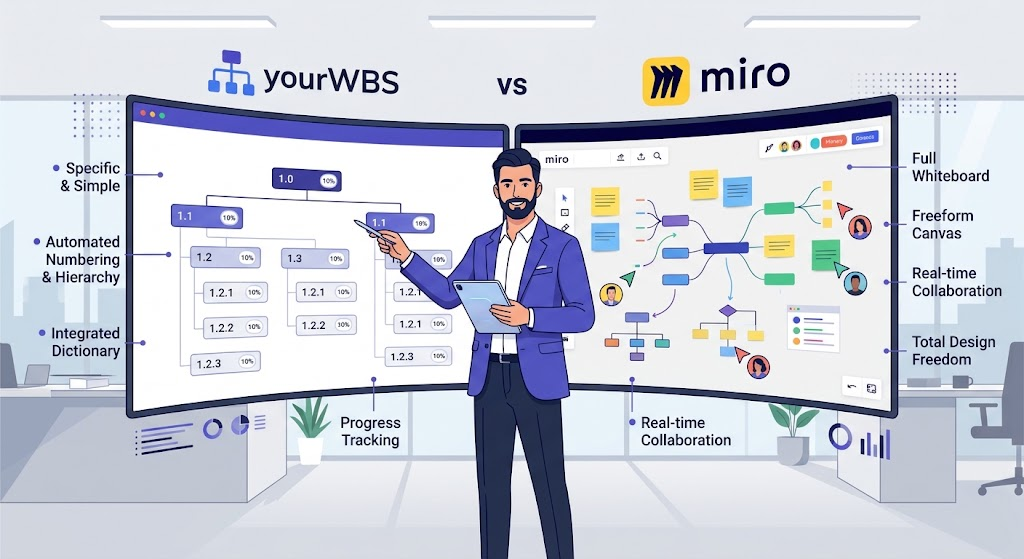
- Specific and simple. Every control is about the WBS. There is nothing to learn about boards, templates or shapes.
- Numbering and hierarchy for free. You add elements and the codes and the layout follow the structure. In a generic tool you maintain both yourself.
- Connected to the dictionary. Each element has its own dictionary sheet linked to the diagram, instead of a separate document that drifts out of date.
- Progress. You can track the % complete of each element.
Where Miro is better
- It is a full whiteboard: sticky notes, flows, mind maps, workshops and much more.
- It supports real-time collaboration, which yourWBS does not have yet.
- You have total freedom over the look and structure of the diagram.
Try it. Build your first WBS in a couple of minutes. Free, no sign-up.
Open the app